
What is an item Bump?
An item Bump is a paid feature you can add to any listing to increase your chance of selling the item.
When you bump an item, it appears higher in member newsfeeds and search results for either 3 or 7 consecutive days (depending on the Bump duration), or until the item sells.
You can use item Bumps to increase the visibility of items in your registered country.
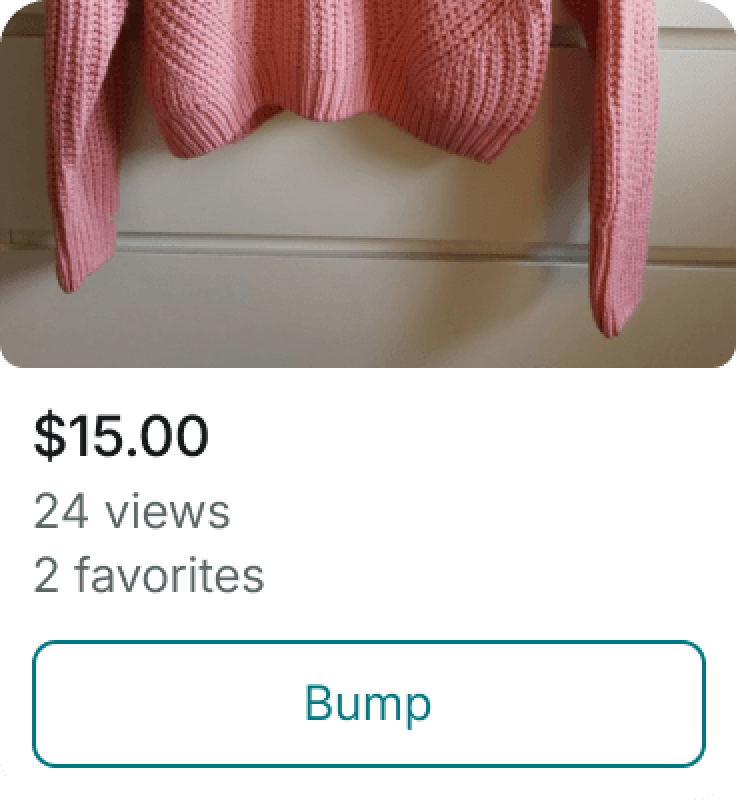
Bumping an item can help you:
- Get more visibility – bumped items are displayed higher in Newsfeed and search results, making them more visible to potential buyers.
- Reach the right members – bumped items are shown to the members who are most likely to be interested in them, based on their preferences.
- Track your item’s reach – check your profile to see how many people viewed and interacted with your bumped items.
Before you buy a Bump, follow these tips to get the most out of your bumped listings:
- Only buy item Bumps for listings that follow our listing best practices and Catalog Rules.
- Update your item’s information (e.g., price, photos, description, etc) if necessary before bumping it.
- You can lower the price of your item while a Bump is active but you can’t raise it. So be sure to choose the best price for your item before you bump the listing.
- If you lower the price of a bumped item, the cost of the Bump remains the same. You won’t get a refund for the difference between the original Bump cost and what it would have cost to bump the lower-priced item.
How much does a Bump cost?
The cost of a Bump depends on:
- The item’s price
- The Bump duration - 3 or 7 days
The applicable fee will be shown to you at the time of payment.
How long does a Bump last?
A Bump lasts for either 3 or 7 consecutive days, depending on the duration you choose, or until the item sells.
Can I change the item price after buying a Bump?
You can lower the item price while a Bump is active, but you can’t raise it. If you lower the price, the Bump cost stays the same.
What happens if a sale is canceled?
If an order is canceled before it’s shipped, you can re-upload the item using the “Re-upload item” button. Once the item is re-uploaded, the Bump will continue until its original expiration date.
Can I apply more than one Bump to the same item?
No. You can only apply one Bump to one item at a time.
Can I move a Bump to another item?
No. Bumps can only be applied to individual items. They can’t be transferred between items or members.
- Bumps can only be applied to individual items. They can’t be transferred between items or between members.